
How do you set up the authentication for using the LetMeShip Next API?
Please follow the steps below to acquire your API credentials.
How do I find my API Key and API secret?
In order to start using our API, you will need some API credentials. You can find your personal API key and API Secret in your LetMeShip Next account. Don't have an account? Create your account here.
You can follow the steps below if you already have a LetMeShip Next account:
- Log in to your LetMeShip Next account through this link.
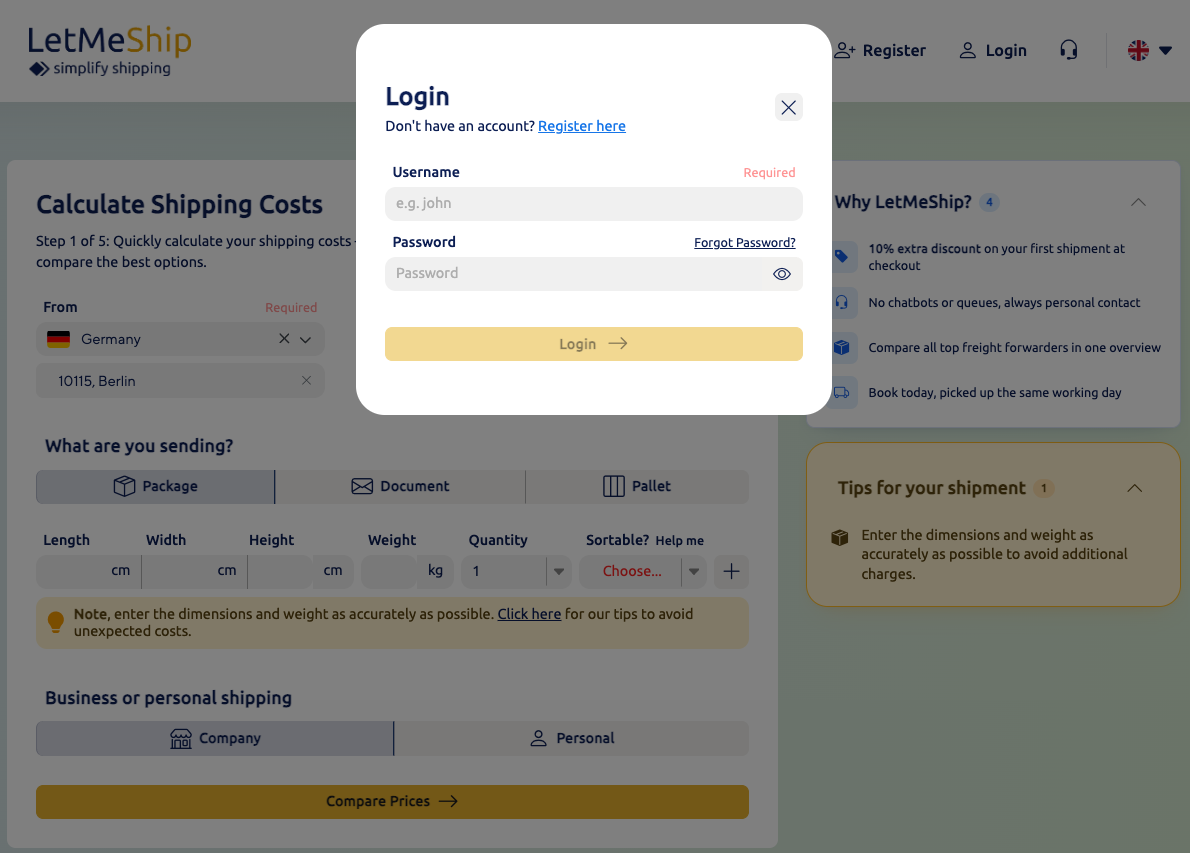
- Go to Account
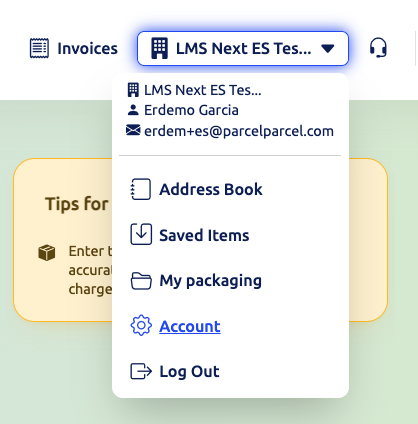
- Click on API
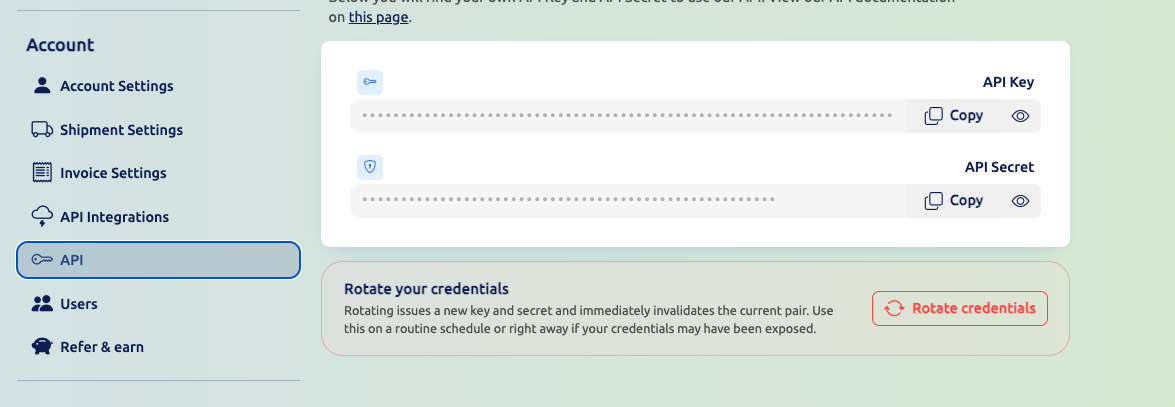
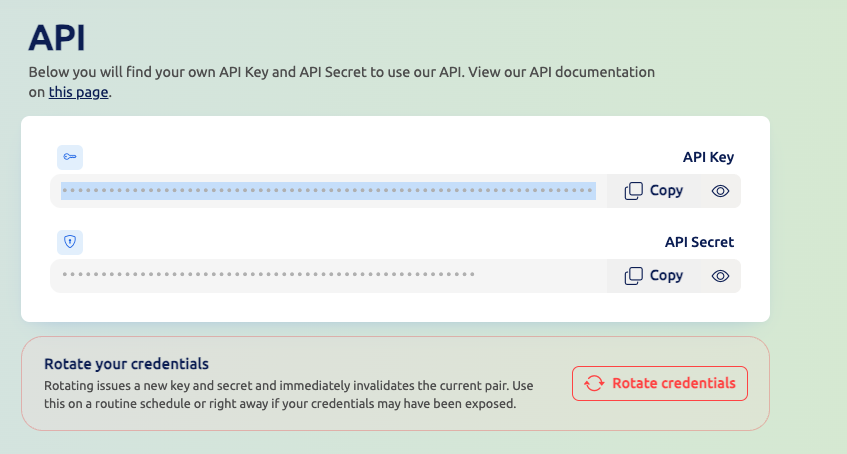
- Here, you can view your API Key and API Secret, which we need to add to the header of our API request.
Where do I put my API credentials in the request?
We need to copy the API Key and API Secret and put them into the header of our request.
Add the following key and value in your header:
| Name | Value |
|---|---|
| X-PP-API | api-key@api-secret |
So it could look something like this:
| Name | Value |
|---|---|
| X-PP-API | nube0b:1pdahsptd10kw848cccgkckogcgss0@0gw0ssw4-g4ks00ko-48w0sosc-cckw |
Test your authentication
A good way to test if your authentication is working properly is to use our 📦 Create a draft shipment - or 🚚 Compare shipping options endpoint.